 charming← docs
Setup · Claude
Add Charming to Claude.
Copy the Charming URL, add it in Claude settings, then start with a ready prompt.
charmingMCP connector Claude
Connect Charming once.
- 01
Copy this URL
Claude needs this MCP URL for the custom connector.
MCP URLhttps://app.buildy.so/mcp - 02
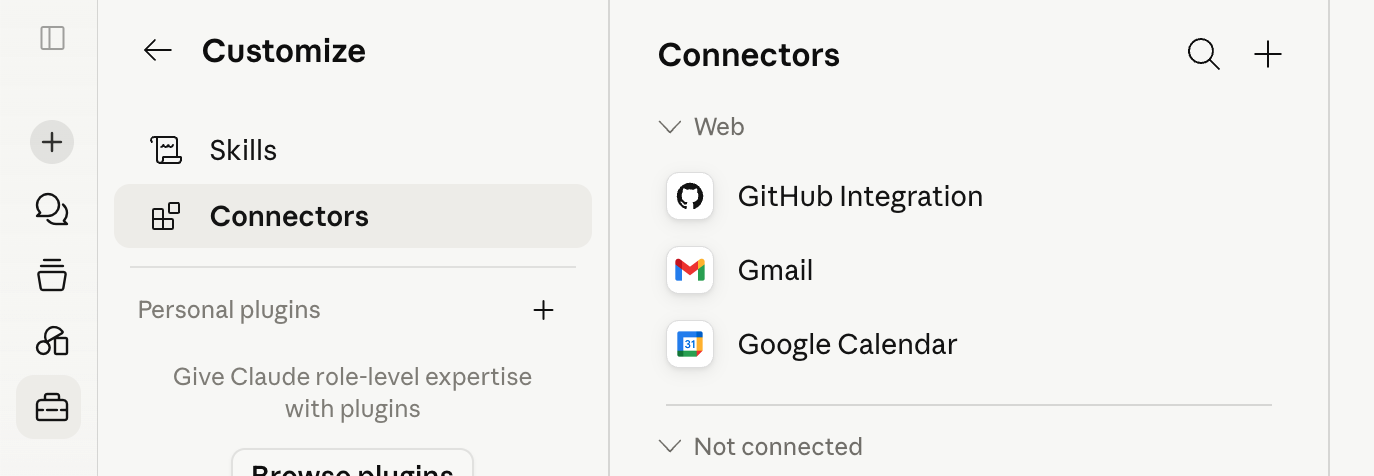
- 03
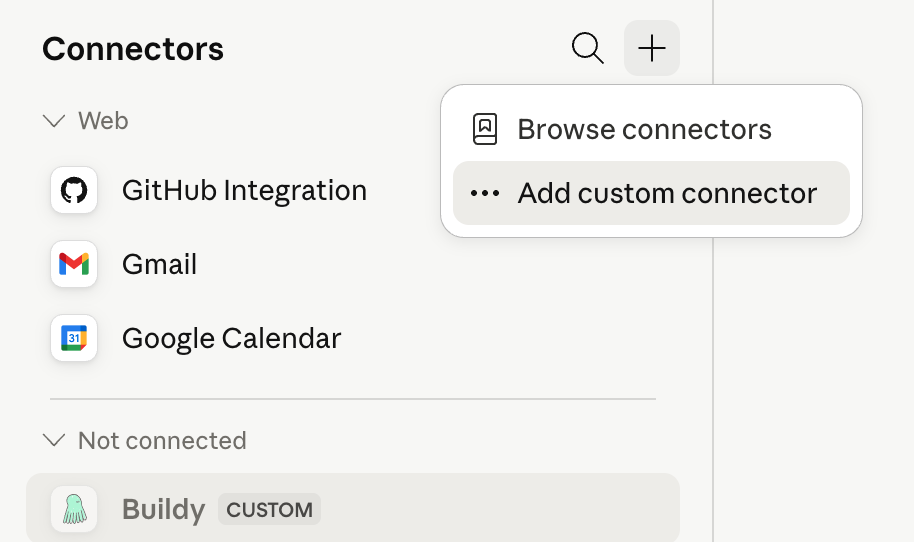
Choose Add custom connector
Click the plus button, then choose Add custom connector.
- 04
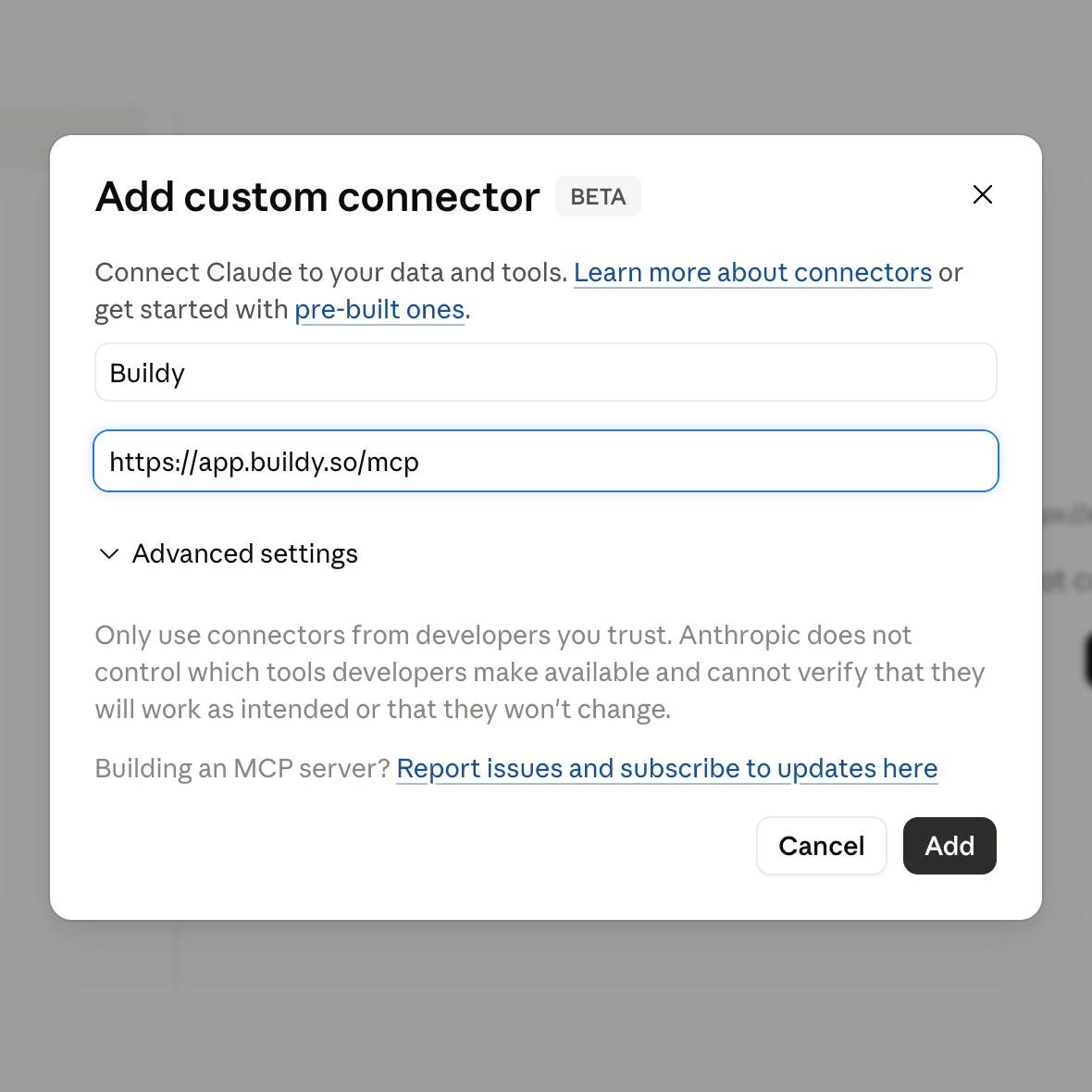
Name it Charming
Paste https://app.buildy.so/mcp, then click Add.
- 05
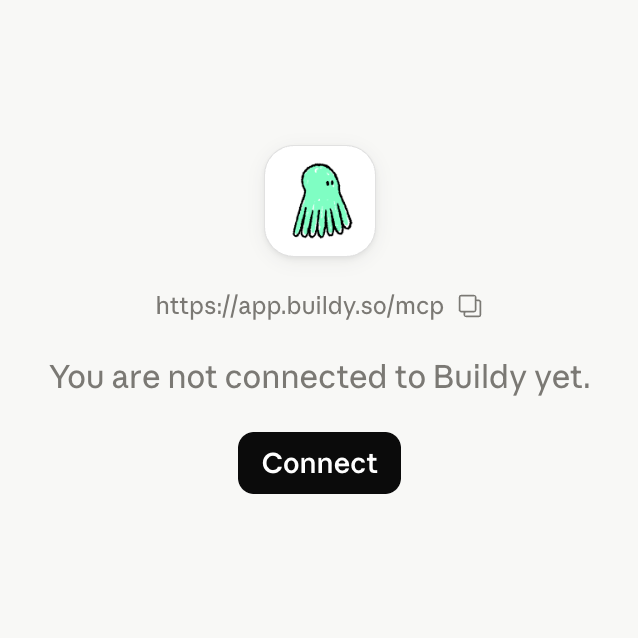
Connect Charming
Approve once so Claude can call Charming tools.
- 06
Open Claude with prompt
Start the first app with the prompt ready to go.
Prompt readyRead https://buildy.so/start.md then help me create my first app.
If the prompt does not appear, copy it, then open Claude and paste this prompt.